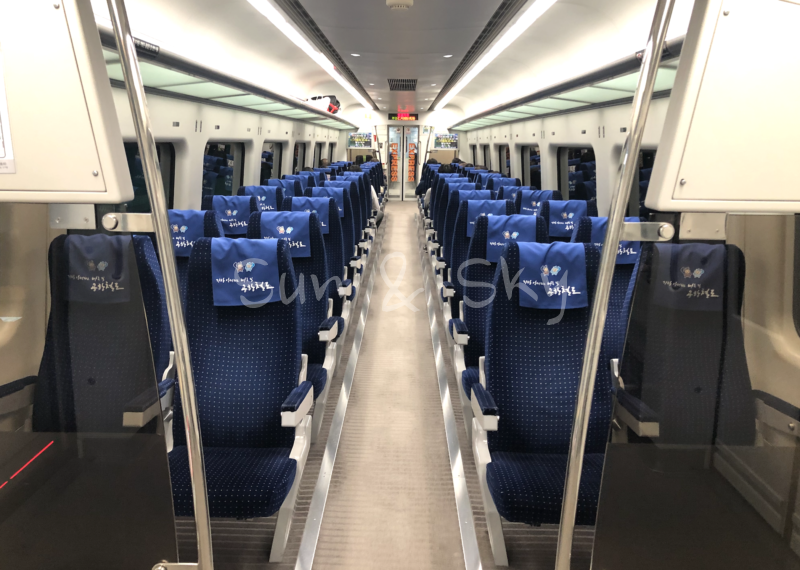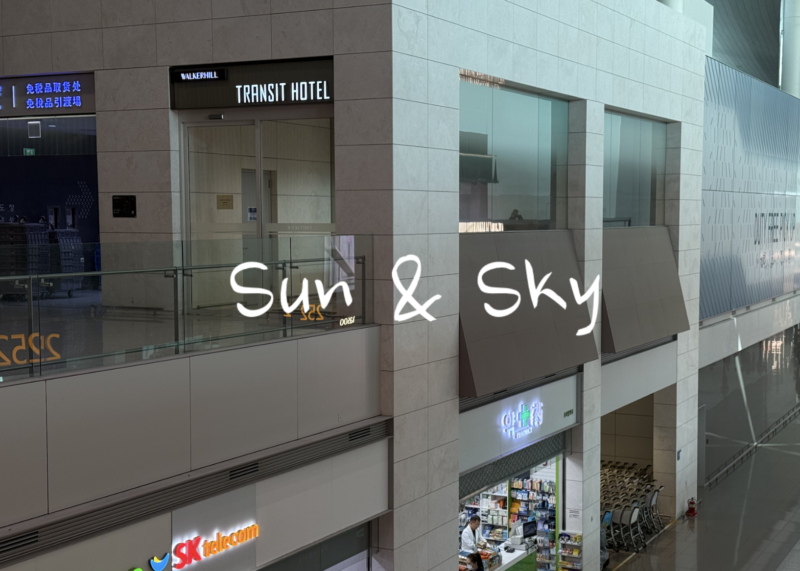
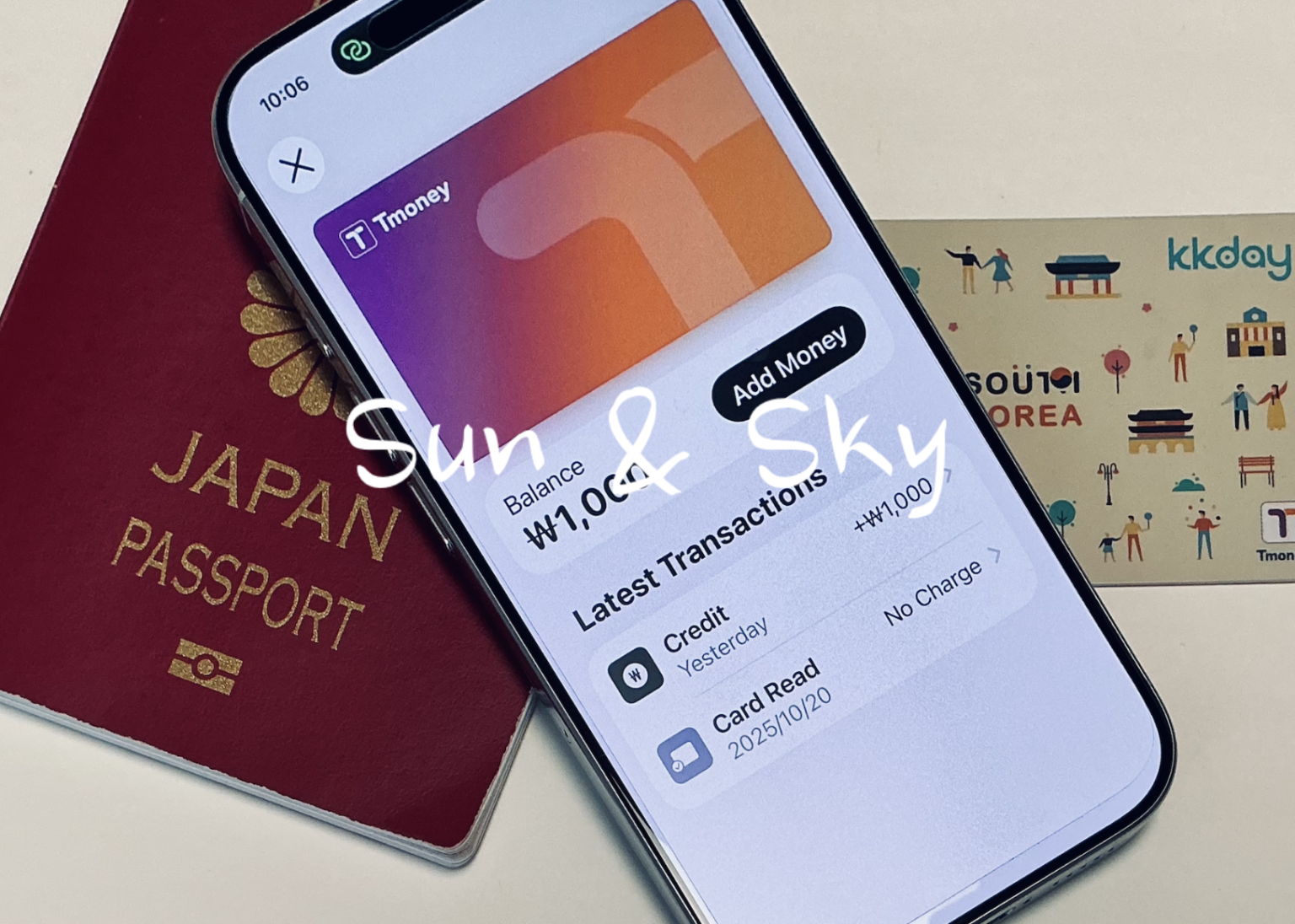
I topped up my T-money card from my home in Japan, on an iPhone, without a Korean phone number and without touching cash. With money on the card, you do not need cash for subways or buses.

(Photo: my own)
What this guide is based on
I have used a plastic T-money card in Korea. On 20 October 2025 I put my iPhone on the reader at a ticket machine at Gimpo Airport Station. The machine read the card, but no money went on it. I topped up my plastic card with cash instead.
On an earlier trip I arrived at Busan Port by ferry and topped up with cash. I had meant to do it at Busan Station, but someone was going through the coin return slots on the machines, and I did not want to stand there with my luggage.
On 22 July 2026 I topped up the T-money card on my iPhone by ₩1,000, from Japan. The screenshots in this article are from that day.
Two things I have not done. I have not yet passed through a ticket gate using the card on my phone. And I have never used the Climate Card, so I cannot compare it. The official figures near the end are research-based, with sources and dates.
Quick answer
- The T-money card in Apple Wallet used to be top-up-able only with cards issued in Korea. Through the Mobile Tmoney app, my own card worked from Japan.
- The “Add Money” button on the card inside Apple Wallet still does not work with a foreign card. That is not your mistake.
- Use the Mobile Tmoney app instead. There is a “Foreigner” button on the sign-in screen, so you do not need an account or a Korean phone number.
- Topping up ₩1,000 cost me USD 0.71. The payment is taken in US dollars, not Korean won.
- I cannot promise your card will be accepted. Test it with ₩1,000 while you are still at home. If it is refused, buy a plastic card instead and pick it up at the airport.
- You cannot tap a foreign credit card directly at a subway gate in Korea yet, as of July 2026.
Setting it up before you fly
The app is called Mobile Tmoney. I found it in the Japanese App Store, so it is not restricted to the Korean store.
On the sign-in screen there are two buttons. The second one is “Foreigner”. Pressing it skips the Korean identity check. I was never asked for a Korean phone number and I did not create an account.

From the app’s home screen, the card appears with three buttons under it: Top-up, History, and User Guide. Top-up opens a screen where you type an amount and pay with Apple Pay.
Before you confirm, the screen shows the total in US dollars. Mine said “Total Payment Amount USD 0.71” for ₩1,000. The amount is shown, but the exchange rate behind it is not, and there is no separate fee line.

The top-up itself took about one minute. I had set the card up on an earlier day, so I cannot tell you how long the first setup takes. The balance appeared on the card immediately, faster than I am used to with Suica in Japan.
On my card statement, the merchant appears as “Eximbay Tmoney”. Eximbay is a Korean payment processor, so the name will not say Tmoney alone.
The card I paid with is a Wise Mastercard on a Japanese account. It worked for me on 22 July 2026. That is one card on one day, so treat your own first top-up as a test rather than a certainty.
One thing to be clear about if you already own a plastic T-money card. The card on your phone is a new, separate card. The app can read a plastic card over NFC to show you its balance, but it does not absorb the card the way the Suica transfer works in Japan. Whatever is left on your plastic card stays on your plastic card, and you cannot merge the two.
If “Add Money” in Wallet does nothing
This is where I lost time, and I think most travellers will lose time here too.
The T-money card inside Apple Wallet has its own “Add Money” button. You can select an amount. Then a dialog appears. The title is “Add Card to Apple Pay” and the text says to add a card that is accepted by Wallet. The two buttons are Cancel and Add Card.

My Wise card was already in Wallet. It looked as though my registration had failed, so I checked the card again. The card was fine. Read the wording carefully: it does not say the card is missing, it says the card has to be one Wallet accepts here, and for this screen that means a card issued in Korea. Nothing on screen tells you that.
The “Set Up Auto Reload” option sits in the same place, so it has the same limitation. If you cannot use the Wallet route, you cannot set the card to reload itself when the balance runs low. You will have to open the app and top it up manually each time.
Can you top up the phone card at a station machine?
I could not. On 20 October 2025 I put my iPhone on the reader at a ticket machine at Gimpo Airport Station. The machine did read the card: the app’s transaction history still shows an entry for that date, logged as a card read with no charge. But no money went on the card, and I topped up my plastic card with cash instead.

That is worth knowing, because a machine that reads your phone is not the same as a machine that will top it up. That was one machine on one day, and I would not turn it into a rule for every machine in Korea. But it is the reason I now do this at home before flying.
What it costs
I paid USD 0.71 for ₩1,000 on 22 July 2026.
On that day the mid-market rate was roughly ₩1,478 to ₩1,500 per US dollar, so ₩1,000 was worth about USD 0.67 to 0.68 at the market rate. My top-up cost roughly 4 to 6 per cent more than that.

Three honest limits on that number. It is a single small transaction, and rounding to whole cents moves the percentage by more than one point. My Wise account is held in US dollars, so I paid no currency conversion of my own; if your card is billed in another currency, your bank’s foreign transaction fee is added on top. And when I wrote this, the payment was still showing in Wise as pre-authorised rather than as a final charge. Wise says the amount updates to the amount actually used, in my case by 21 August 2026. I will update this section when it settles.
If your card is refused
Try the ₩1,000 test at home, not at the airport. If the payment fails, you have two options and both are easier to arrange before you leave.
Buy a plastic T-money card and collect it on arrival. I bought my own plastic card through KKday several years ago, and it still has the KKday mark printed on it. The seller and the pickup counter have changed since then, so I cannot describe how collection works today. What I can say is that ordering it in advance meant I did not have to go looking for a convenience store after landing.
You will also need a data connection to top up once you are in Korea. Some sellers bundle a SIM and a T-money card together, with pickup at Incheon, Gimpo, Busan Gimhae, or Busan Port. Check current prices before you book. If you already have an eSIM you are happy with, the card is also sold on its own.
>>KKday South Korea LG U+ 4G/5G SIM Card (Includes T-Money & Voice Calls) | Airport Pickup
>>KLOOK T-Money Card
Or buy a card at a convenience store on arrival and top it up with cash, which is what I did in October 2025. It works. It just costs you the queue.
One more thing if you are not travelling alone. On the subway everyone taps in and out individually, so each person in your group needs their own card. The card on your phone covers you and nobody else.
Getting money back out is harder than putting it in
This is the part I would think about before putting a large amount on the card.
As of July 2026, Tmoney’s own refund page states that mobile T-money cannot be refunded at the customer service counters inside subway stations, and that mobile T-money is also excluded from refunds at bank ATMs (source). That leaves the Tmoney head office.
I have not tried to get a refund, so I cannot describe the process. That page is written mainly about the Android version and does not spell out the rules for the version in Apple Wallet. What I take from it is simple: top up small amounts as you go. You can top up in ₩1,000 steps, and it takes about a minute.
The official picture, as of July 2026
Ticket machines. Seoul announced that from 17 March 2026, overseas-issued credit and debit cards can be used at subway ticket machines. In the same report, a city official said the function applied first only to single-journey tickets and to topping up the short-term Climate Card, and that other card types were still under review (source). So this is not yet a general way to top up a T-money card with a foreign card.
Tapping a credit card at the gate. Not available yet. Seoul published a plan in October 2025 with three stages: buses in 2025 and 2026, subway lines 1 to 8 in 2027, and the rest between 2028 and 2030 (source).
One detail if you are transiting. Gimpo Airport Station is served by more than one operator. The 2026 rollout covers Seoul Transportation Corporation lines 1 to 8, so machines at other lines in the same station may work differently. I have not verified which machines at Gimpo are included.
The Korea Tour Card. Many English guides still recommend it. Tmoney announced in July 2025 that it had stopped selling the card and introduced the T-money Travel Card for foreign visitors, sold at convenience stores and at the staffed bus ticket counters inside Incheon Airport.
>>KKday South Korea LG U+ 4G/5G SIM Card (Includes T-Money & Voice Calls) | Airport Pickup
>>KLOOK T-Money Card
Who this works for
It works well if you have an iPhone and a card the app accepts, if you are transiting through Incheon or Gimpo, and if you are arriving late or tired and do not want to stand at a machine with your luggage. Doing it at home removes one task from the arrival, and a refused card at home is an inconvenience rather than a problem.
Be careful if your card is refused and you leave it until you land, if you are travelling with people who each need their own card, or if you plan to keep a large balance on the card. The money is easy to put in and difficult to take out.
Please see also: A’REX Orange vs Blue: The Train You Actually Need Between Incheon Airport, Gimpo Airport, and Seoul
Photos: my own (2025, 2026)